Skip to content
View in the app

A better way to browse. Learn more.

Pediatric Surgery Club

A full-screen app on your home screen with push notifications, badges and more.

To install this app on iOS and iPadOS
  1. Tap the Share icon in Safari
  2. Scroll the menu and tap Add to Home Screen.
  3. Tap Add in the top-right corner.
To install this app on Android
  1. Tap the 3-dot menu (â‹®) in the top-right corner of the browser.
  2. Tap Add to Home screen or Install app.
  3. Confirm by tapping Install.
Get your Pro Membership!

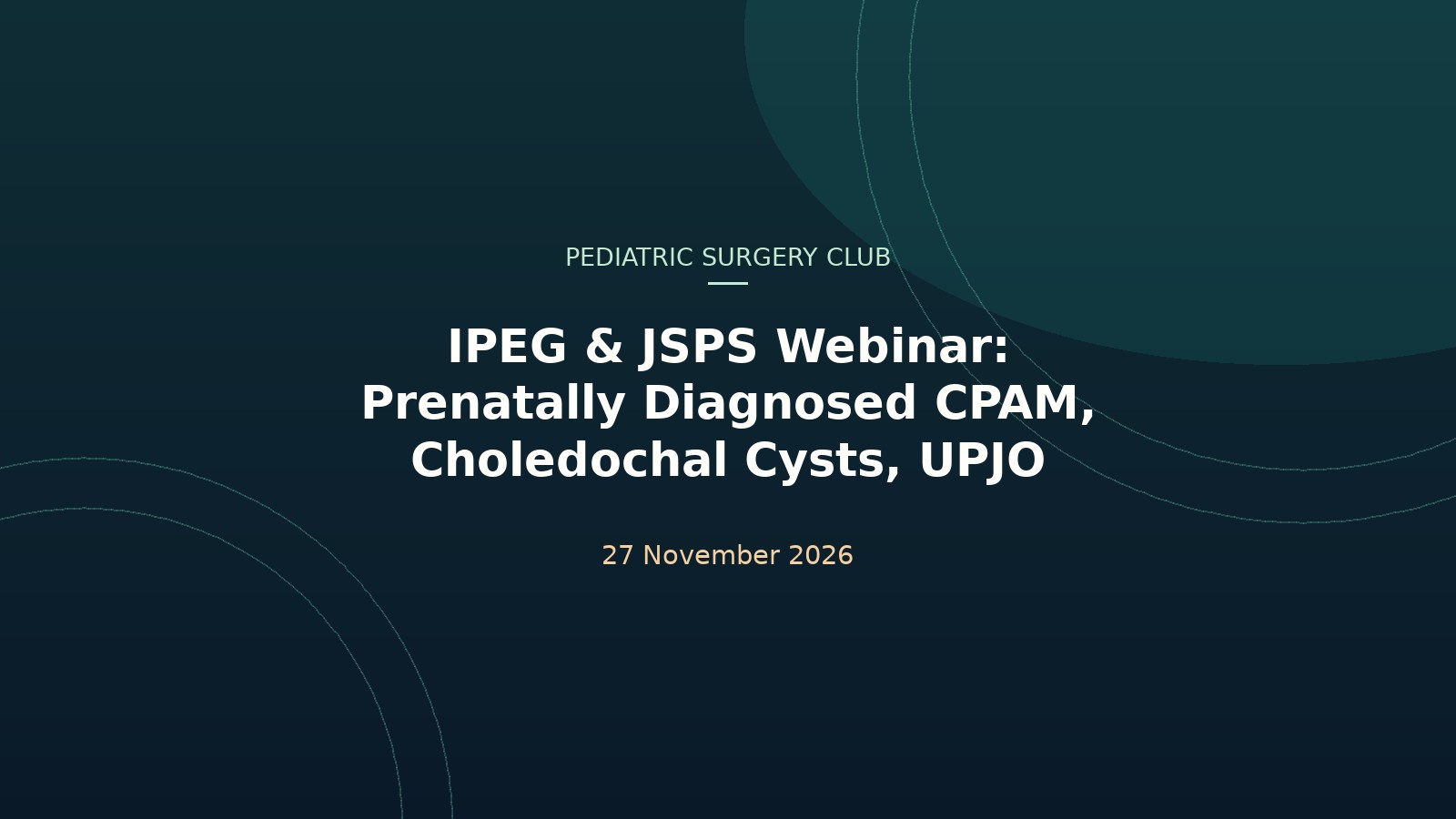
IPEG & JSPS Webinar: Prenatally Diagnosed CPAM, Choledochal Cysts, UPJO
IPEG & JSPS joint webinar: Current Surgical Practice for Prenatally Diagnosed CPAM, Choledochal Cysts, UPJO, and Other Conditions
Moderator: Dr Go Miyano (Juntendo University, Tokyo), with presenters from Japan and an international panel
1 pm GMT, 3 pm Cairo time (8 am EST)
Opento members and nonmembers

Register:
https://zoom.us/meeting/register/BRPOUobYS3WzZtKxgfoaRg#/registration

Shared by Pediatric Surgery Up To Date

Recommended Comments

There are no comments to display.

Create an account or sign in to comment

Account

Navigation

Search

Search

Configure browser push notifications

Chrome (Android)
  1. Tap the lock icon next to the address bar.
  2. Tap Permissions → Notifications.
  3. Adjust your preference.
Chrome (Desktop)
  1. Click the padlock icon in the address bar.
  2. Select Site settings.
  3. Find Notifications and adjust your preference.