Skip to content
View in the app

A better way to browse. Learn more.

Pediatric Surgery Club

A full-screen app on your home screen with push notifications, badges and more.

To install this app on iOS and iPadOS
  1. Tap the Share icon in Safari
  2. Scroll the menu and tap Add to Home Screen.
  3. Tap Add in the top-right corner.
To install this app on Android
  1. Tap the 3-dot menu (⋮) in the top-right corner of the browser.
  2. Tap Add to Home screen or Install app.
  3. Confirm by tapping Install.
Get your Pro Membership!

Lectures

329 files

  1. CONGENITAL CYSTIC DISEASE OF THE LUNG lecture
    • 2 Downloads
  2. Congenital Diaphragmatic Hernia lecture
    • 3 Downloads
  3. Congenital Diaphragmatic Hernia lecture
    • 7 Downloads
  4. Congenital diaphragmatic hernias lecture
    • 3 Downloads
  5. Congenital Diaphragmatic Hernia lecture
    • 3 Downloads
  6. Acquired lung lesions lecture
    • 2 Downloads
  7. Short bowel syndrome lecture
    • 2 Downloads
  8. Short bowel syndrome lecture
    • 3 Downloads
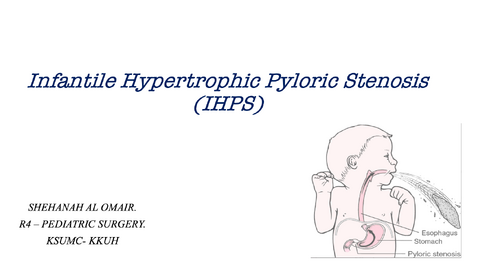
  9. Infantile Hypertrophic Pyloric Stenosis (IHPS) lecture
    • 4 Downloads
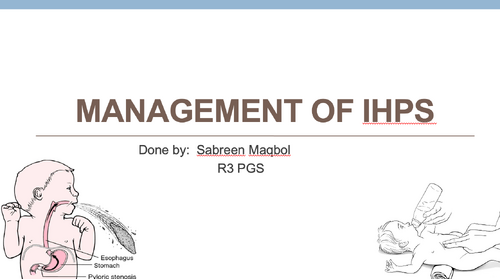
  10. Management of ihps lecture
    • 3 Downloads
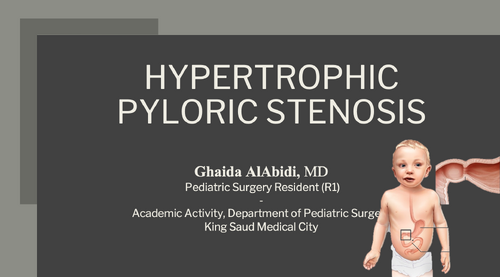
  11. HYPERTROPHICPYLORIC STENOSIS lecture
    • 2 Downloads
  12. Pediatric Surgery half day Academic Activity lecture
    • 3 Downloads
  13. Feeding Protocols Post Hypertrophic Pyloric Stenosis Surgery lecture
    • 3 Downloads
  14. Splenic Conditions lecture
    • 2 Downloads
  15. Pancreas and spleen lecture
    • 2 Downloads
  16. Necrotizing Enterocolitis lecture
    • 4 Downloads
  17. NEC lecture
    • 2 Downloads
  18. Meconium Disease lecture
    • 3 Downloads
    • 1 Comments
  19. Liver Lesions lecture
    • 1 Downloads
  20. Lesions of the Stomach lecture
    • 2 Downloads
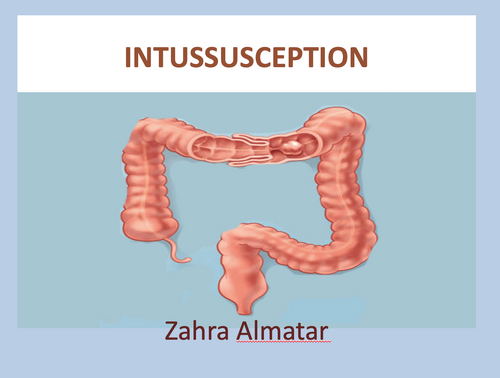
  21. Intussusception lecture
    • 4 Downloads
  22. Intussusception lecture
    • 1 Downloads
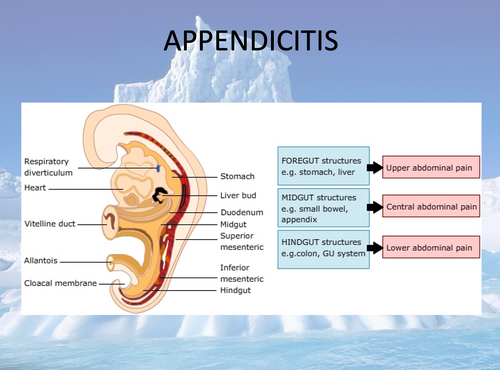
  23. Appendicitis lecture
    • 4 Downloads
  24. INTUSSUSCEPTIONlecture
    • 1 Downloads
  25. Approach to nonbilious emesis lecture
    • 3 Downloads

Account

Navigation

Search

Search

Configure browser push notifications

Chrome (Android)
  1. Tap the lock icon next to the address bar.
  2. Tap Permissions → Notifications.
  3. Adjust your preference.
Chrome (Desktop)
  1. Click the padlock icon in the address bar.
  2. Select Site settings.
  3. Find Notifications and adjust your preference.