


admin
Administrators
-
Joined
-
Last visited
Everything posted by admin
-
-
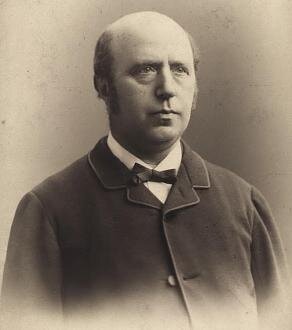
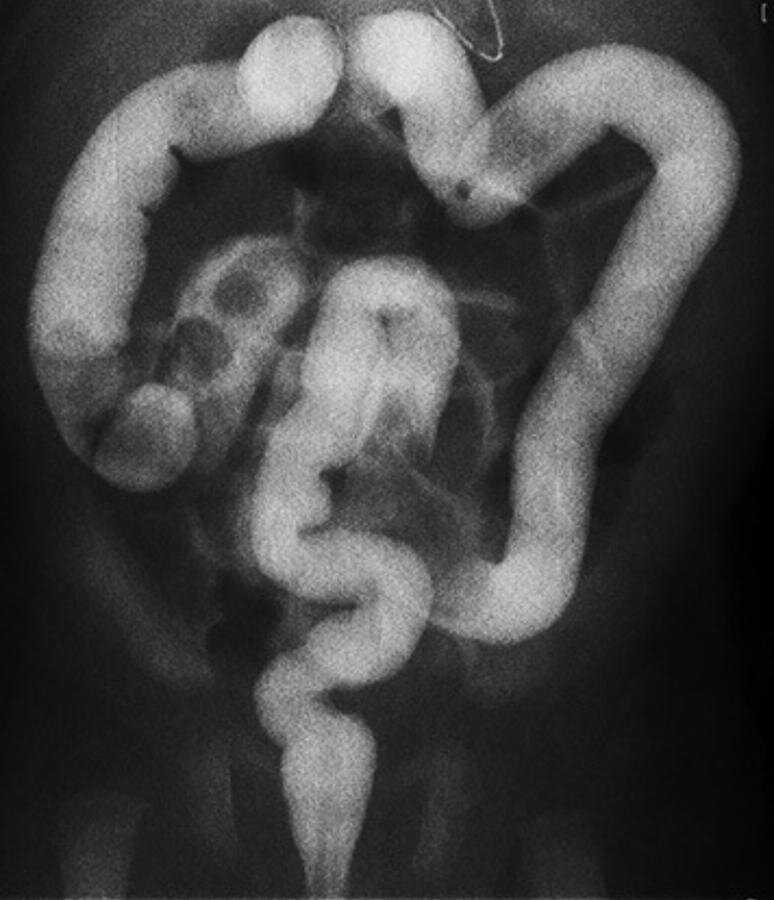
Harald Hirschsprung;1888 [My first specimen] is a colon, but a colon of such a size that it will no doubt surprise you to learn that it comes from a child only 11 months old when it died.... Only [the] rectum was not dilated, nor indeed subject to any obstruction. ahrbuecher für Kinderheilkunde
.PNG.ba00ef6d20e36c279040212a83b4a4eb.PNG)
-
-
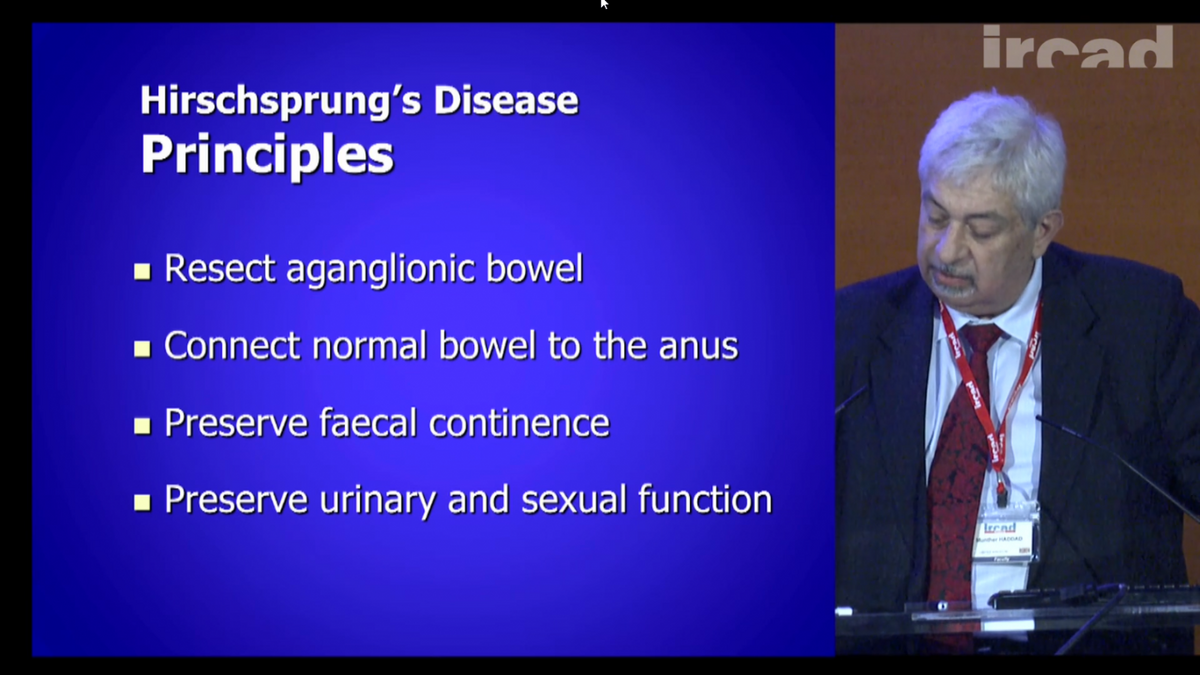
.thumb.PNG.b7306834634e407785e36a7ade32b278.PNG) Hirschsprung disease avoiding complications lecture
Hirschsprung disease avoiding complications lecture -
-
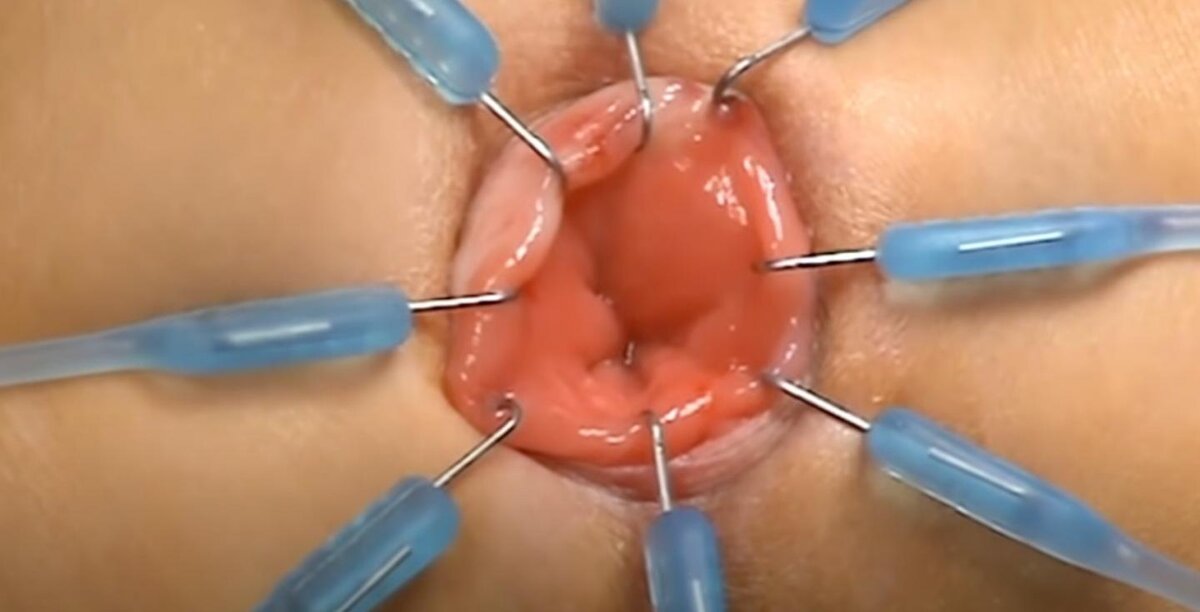
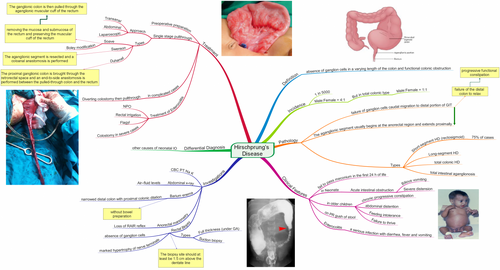 Hirschsprungs disease mind map HQ PDF
 -
video 1
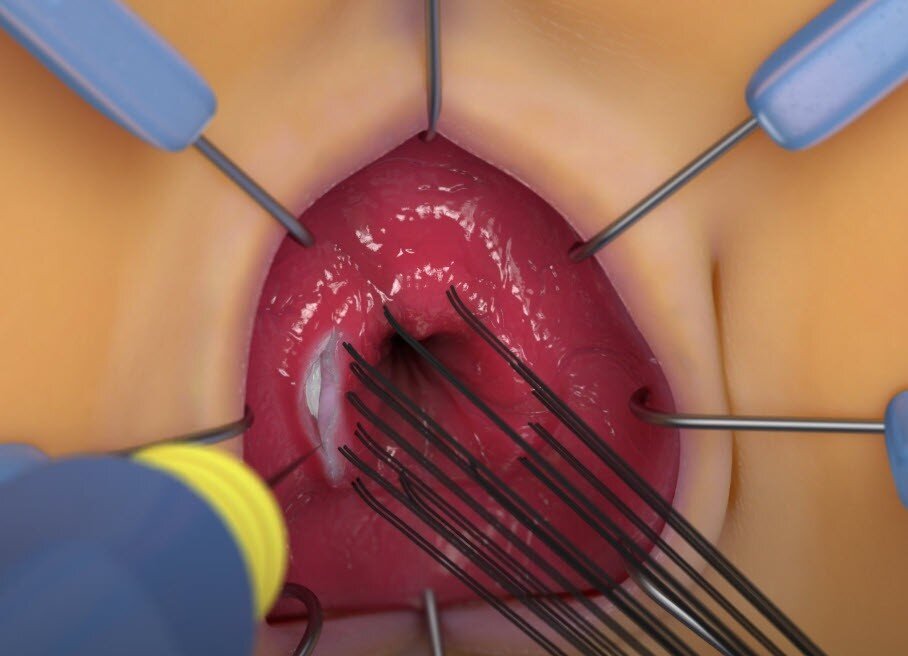 video 1
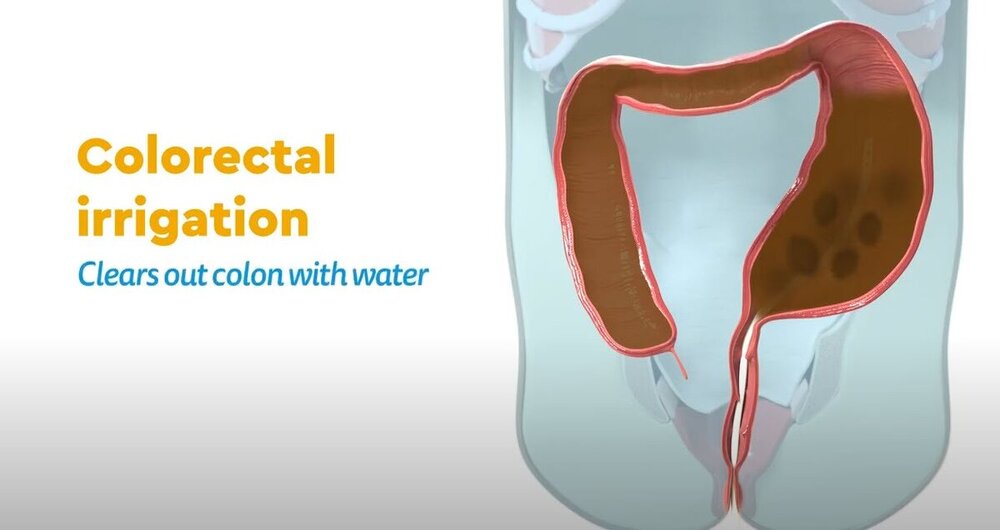 video 1 video 2 video 3
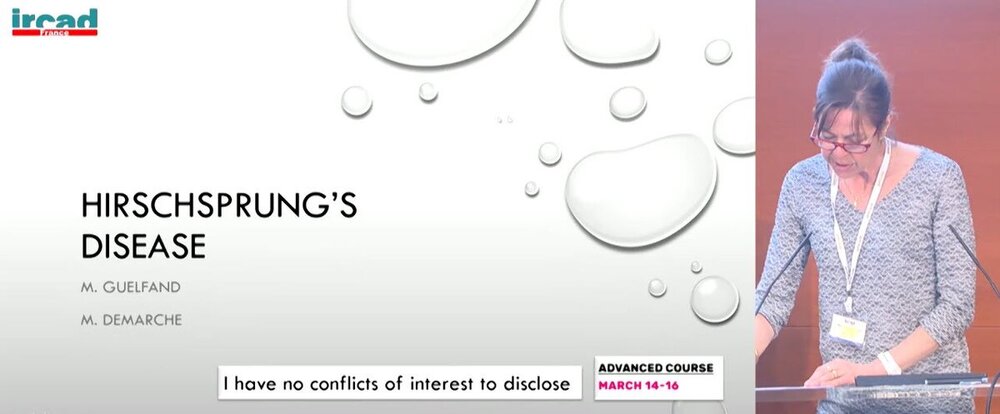 video 1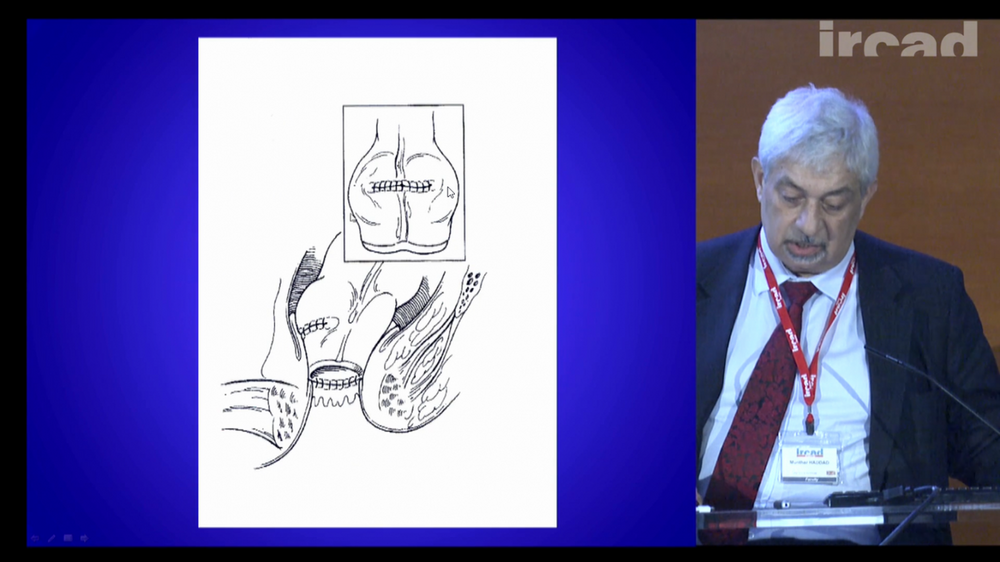
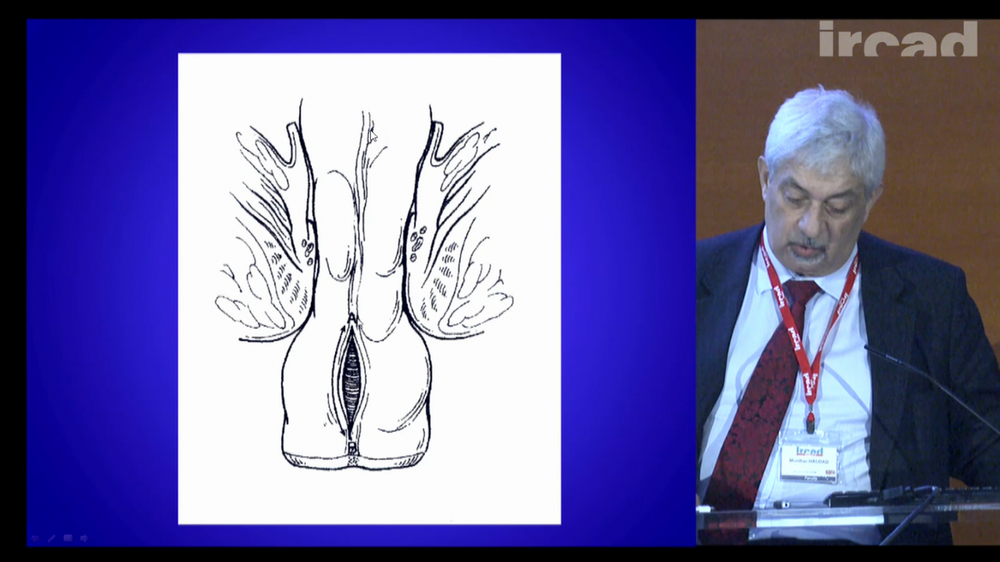
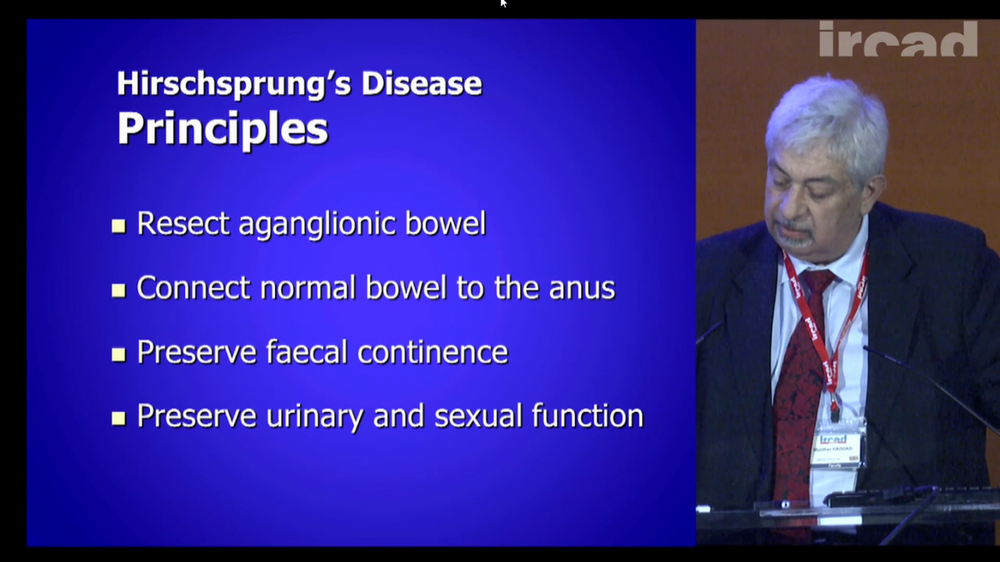 video 1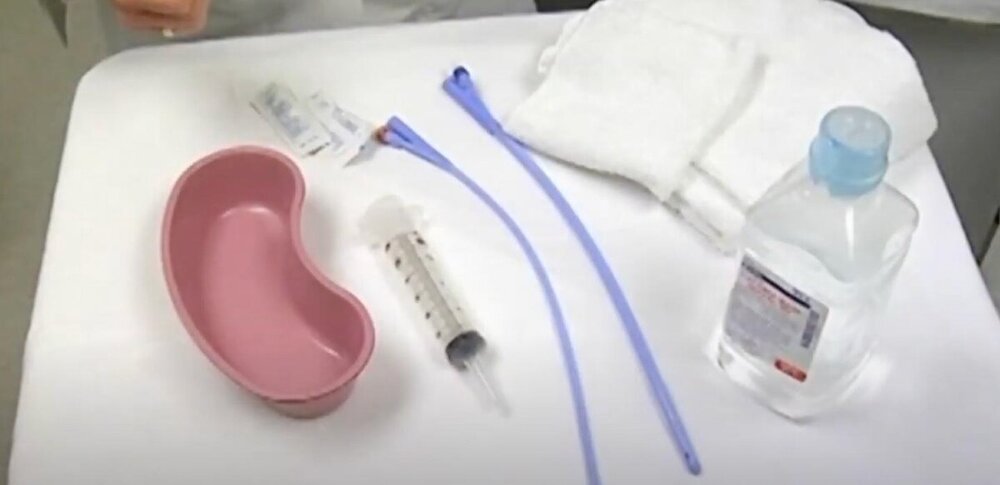
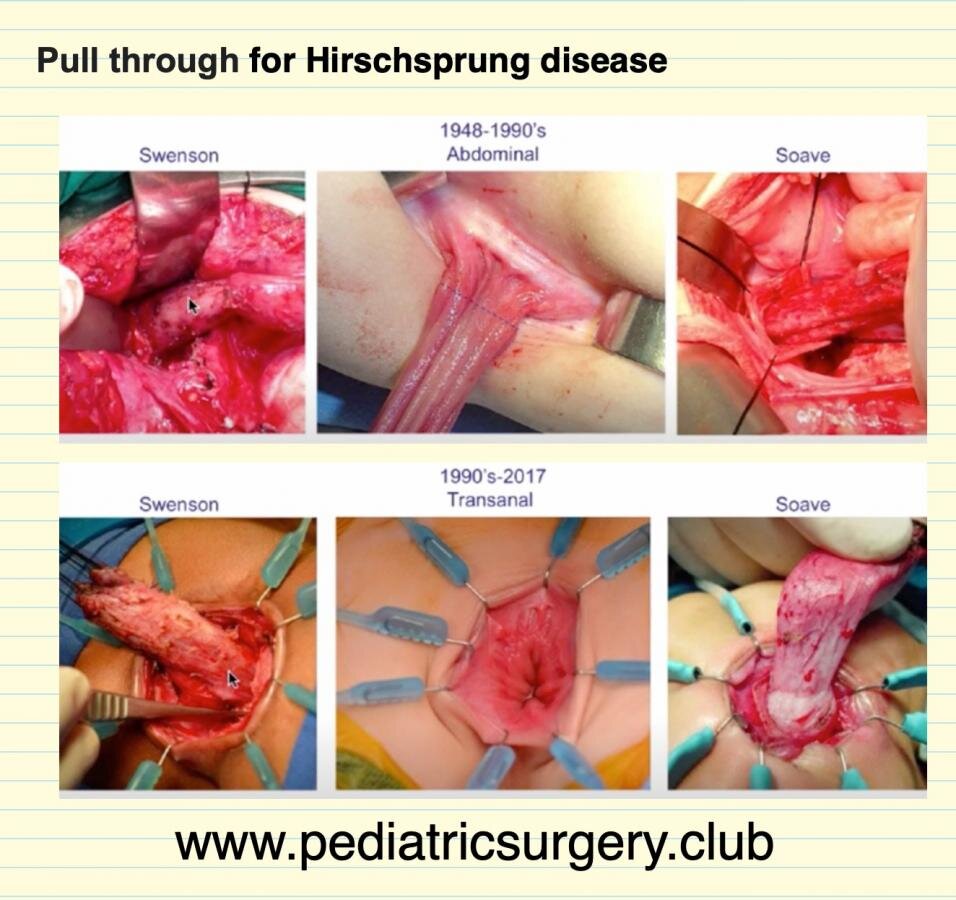
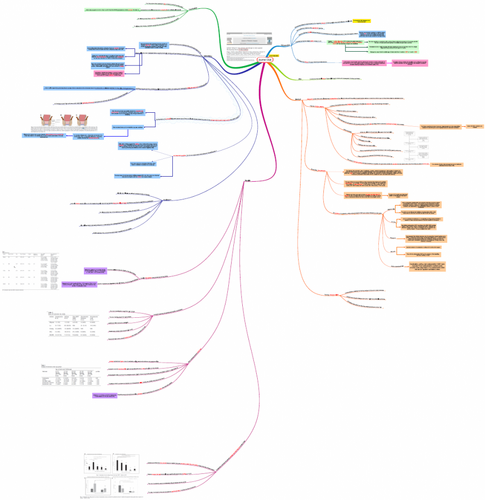 Optimal timing for soave pull-through in short-segment HD: A meta-analysis mind map HQ PDF
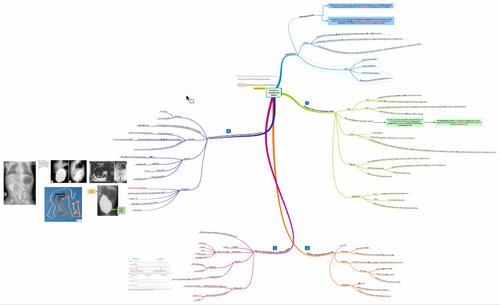 Variants of Hirschsprung Disease mind map HQ PDF
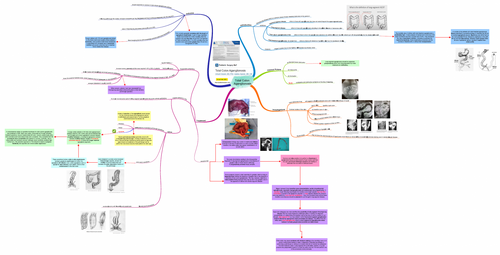 Total Colon Aganglionosis mind map HQ PDF

.thumb.PNG.6916b0fa70e6e3c978fce753d0c32cbe.PNG)
.thumb.PNG.8bad7b036d07a8e805df923263b4576e.PNG)







Account
Navigation
Search
Configure browser push notifications
Chrome (Android)
- Tap the lock icon next to the address bar.
- Tap Permissions → Notifications.
- Adjust your preference.
Chrome (Desktop)
- Click the padlock icon in the address bar.
- Select Site settings.
- Find Notifications and adjust your preference.
Safari (iOS 16.4+)
- Ensure the site is installed via Add to Home Screen.
- Open Settings App → Notifications.
- Find your app name and adjust your preference.
Safari (macOS)
- Go to Safari → Preferences.
- Click the Websites tab.
- Select Notifications in the sidebar.
- Find this website and adjust your preference.
Edge (Android)
- Tap the lock icon next to the address bar.
- Tap Permissions.
- Find Notifications and adjust your preference.
Edge (Desktop)
- Click the padlock icon in the address bar.
- Click Permissions for this site.
- Find Notifications and adjust your preference.
Firefox (Android)
- Go to Settings → Site permissions.
- Tap Notifications.
- Find this site in the list and adjust your preference.
Firefox (Desktop)
- Open Firefox Settings.
- Search for Notifications.
- Find this site in the list and adjust your preference.