cheenakumari
Members
-
Joined
-
Last visited
Everything posted by cheenakumari
-
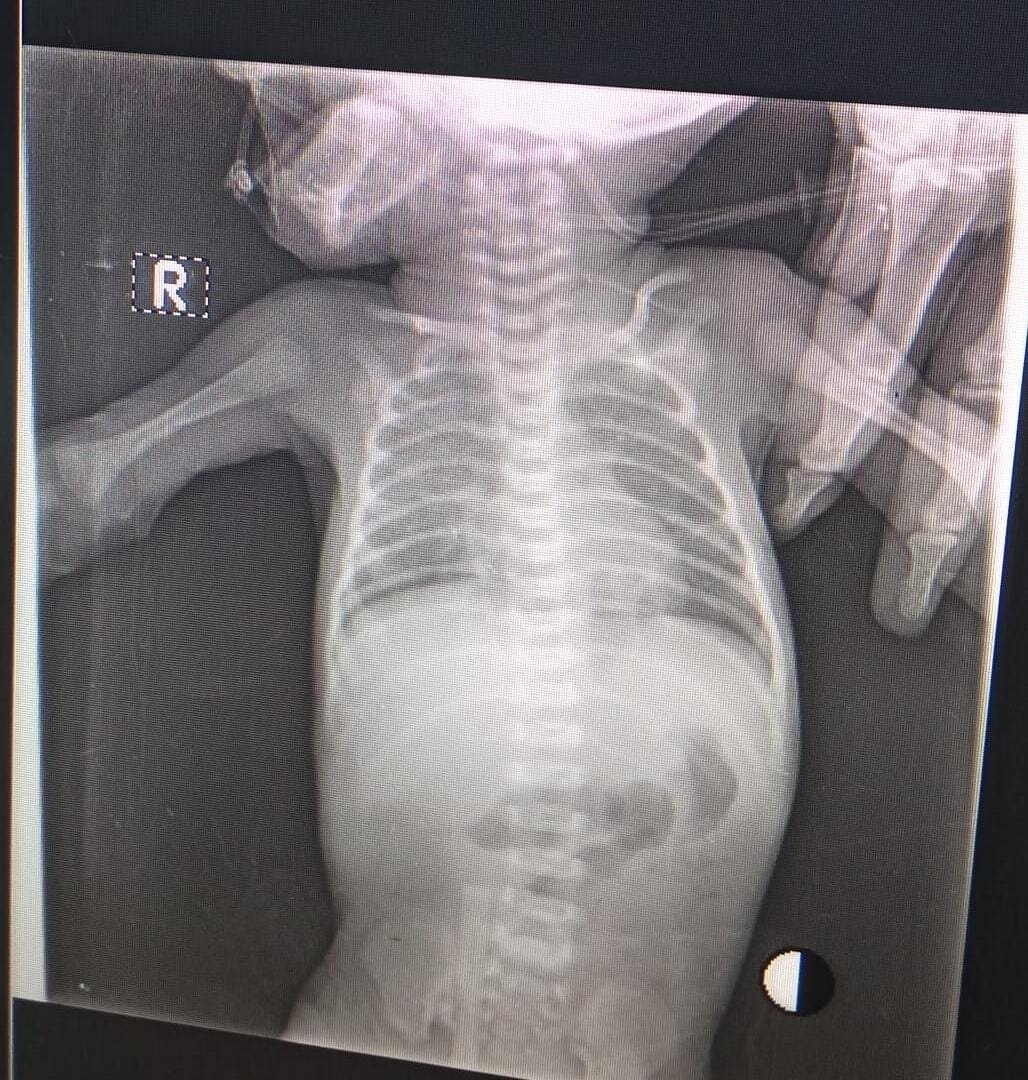
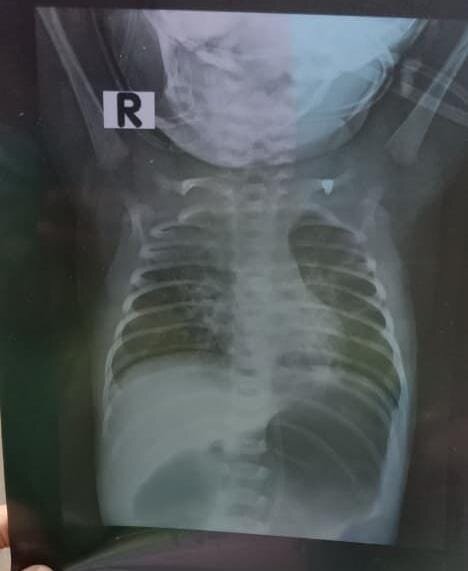
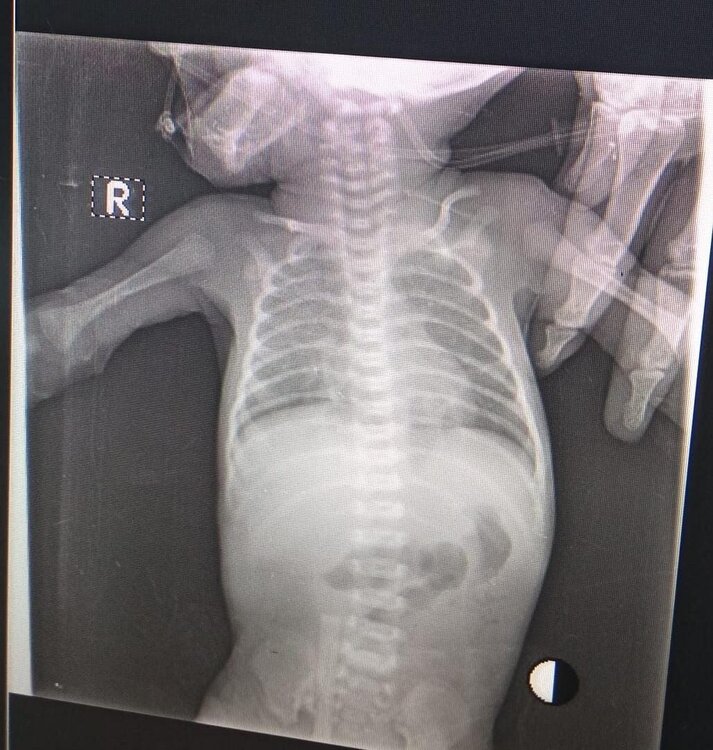
mother had hx of polyhydroamnios , delayed due to late referal from pediatric medicine and preop optimization 10 cm 12 cm 2 xray attached a. that was done on 2nd day of life b. done on 5th day of life
-
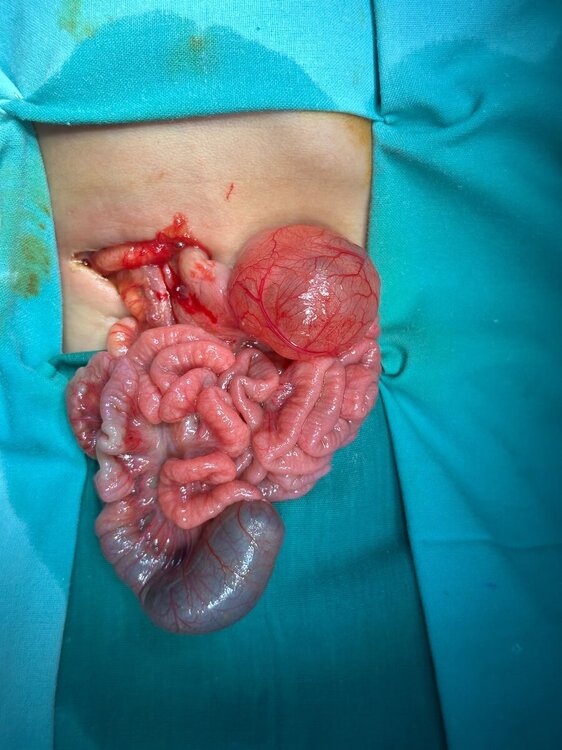
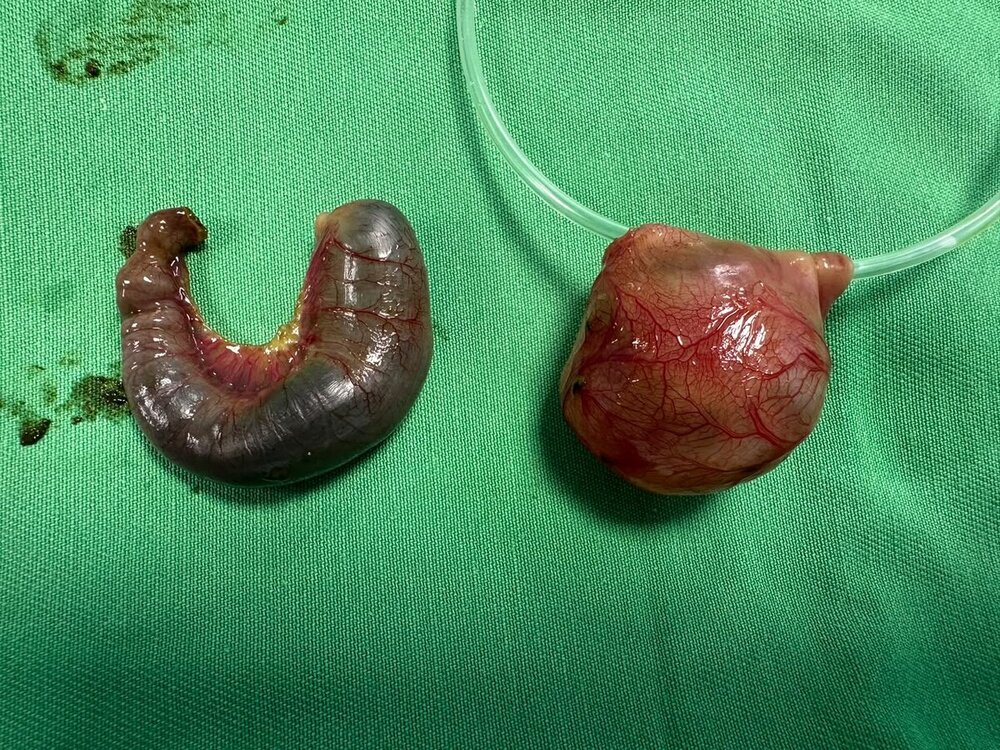
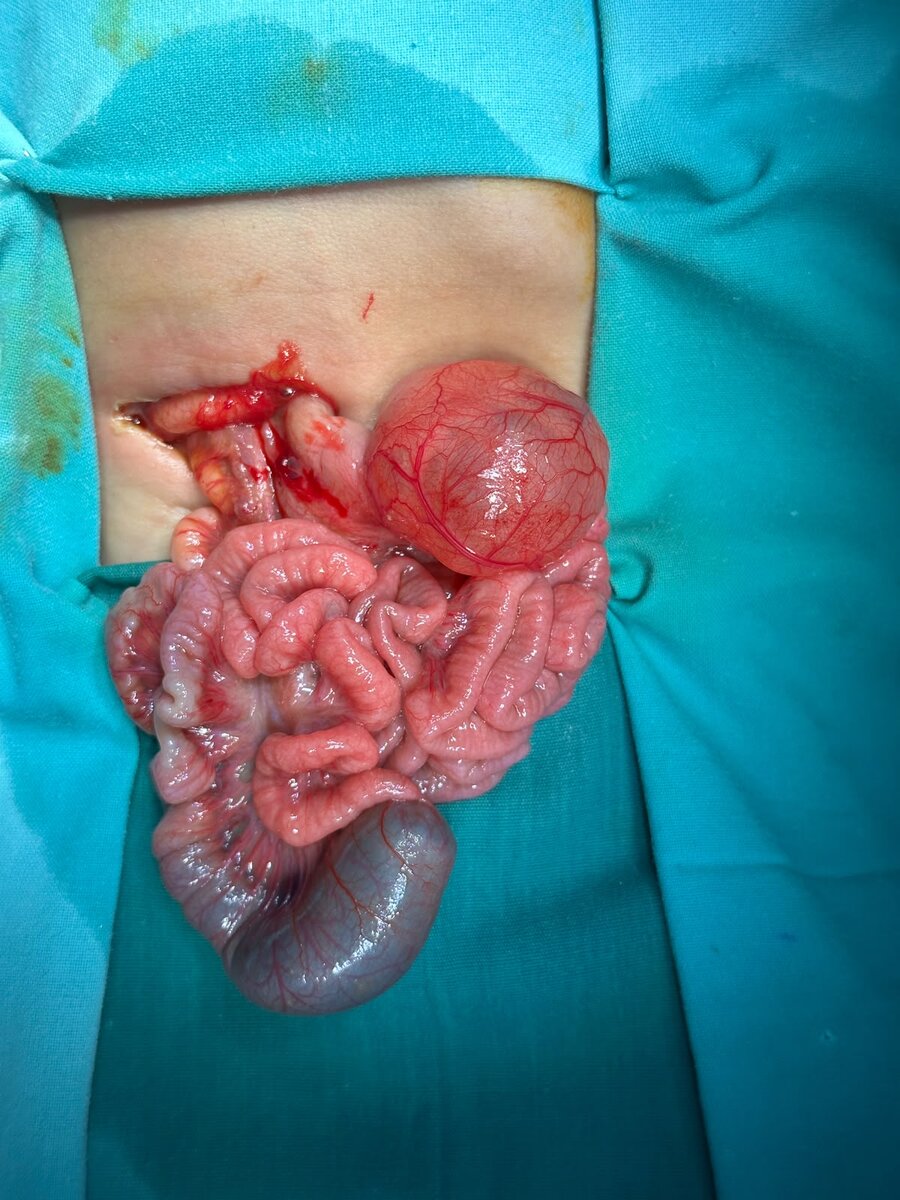
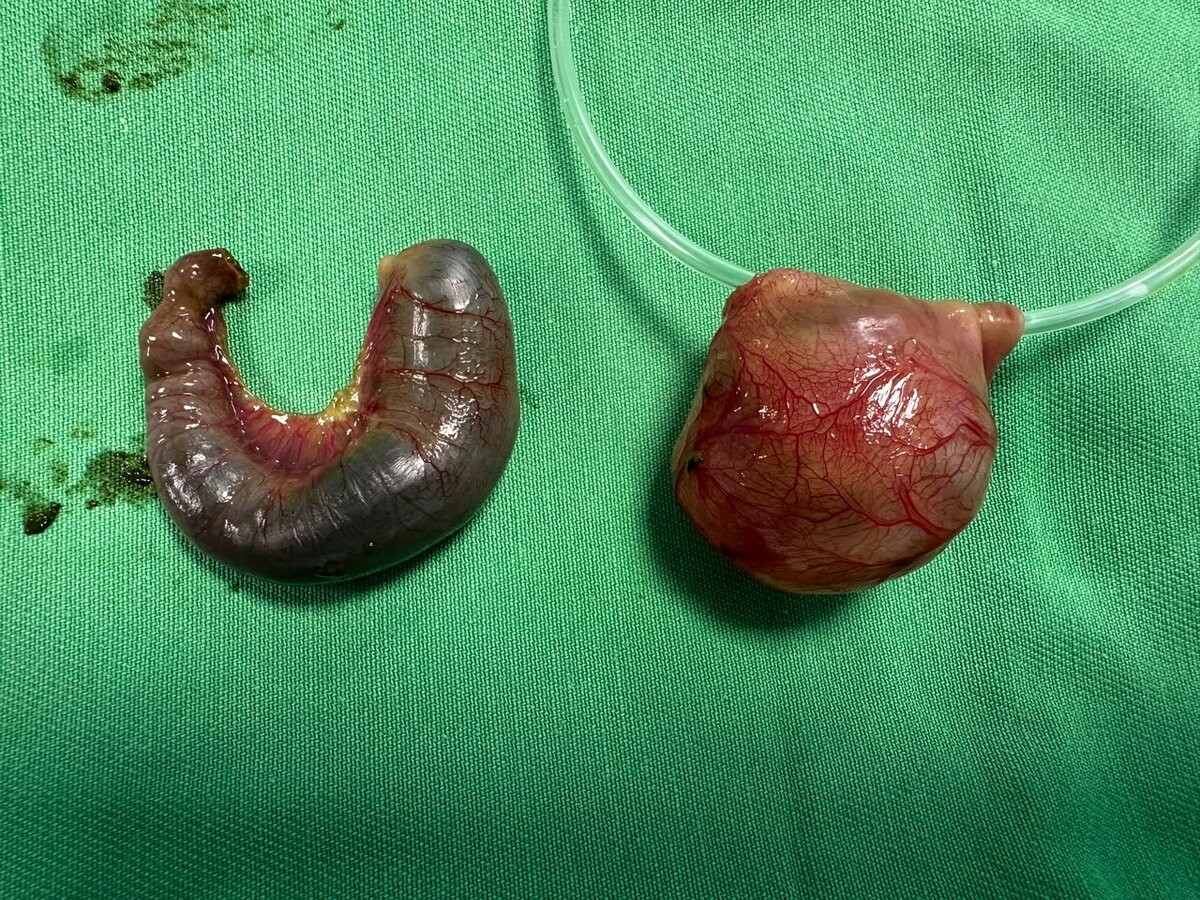
Interesting Case of the Week An 11-day-old male neonate presented with bilious vomiting and failure to pass meconium since birth. On examination, he was dehydrated with a scaphoid abdomen, suggestive of a proximal intestinal obstruction. At exploratory laparotomy, a large proximal jejunal mesenteric cyst was identified, sharing its blood supply with the adjacent jejunum and therefore requiring segmental jejunal resection with primary jejunojejunal anastomosis. Further exploration revealed a proximal ileal atresia with a markedly dilated proximal bowel and collapsed distal intestine, which was treated by resection and primary ileoileal anastomosis. This rare coexistence of a jejunal mesenteric cyst and ileal atresia emphasizes the importance of systematic examination of the entire bowel during neonatal laparotomy, as more than one congenital pathology may be present. Figure 1. Intraoperative photograph demonstrating a large proximal jejunal mesenteric cyst along with proximal ileal atresia, showing a markedly dilated blind-ending proximal bowel and collapsed distal intestine. Figure 2. Resected specimens consisting of the proximal jejunal mesenteric cyst with attached jejunal segment and the resected atretic ileal segment.