


admin
Administrators
-
Joined
-
Last visited
Everything posted by admin
-
-
Quote from "ESPES Manual of Pediatric Minimally Invasive Surgery" by Ciro Esposito, François Becmeur, Henri Steyaert, Philipp Szavay - "It is important to remember that if you use clips to close vessels, it is forbidden to use monopolar scissors or sealing devices to cut between clips, because you risk having the clips detach immediately or in the postoperative period."
-
-
-
video 1 video 2
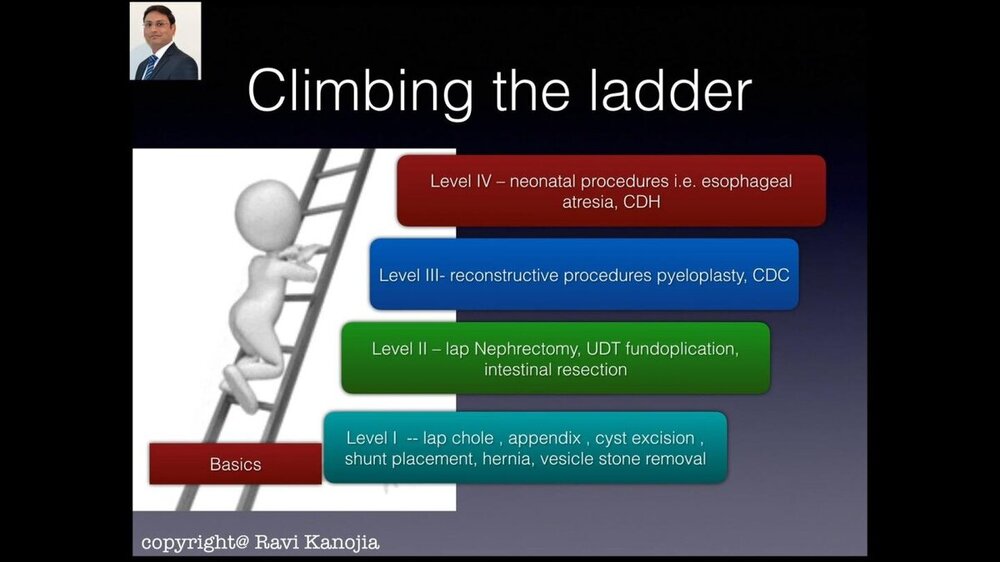 video 1
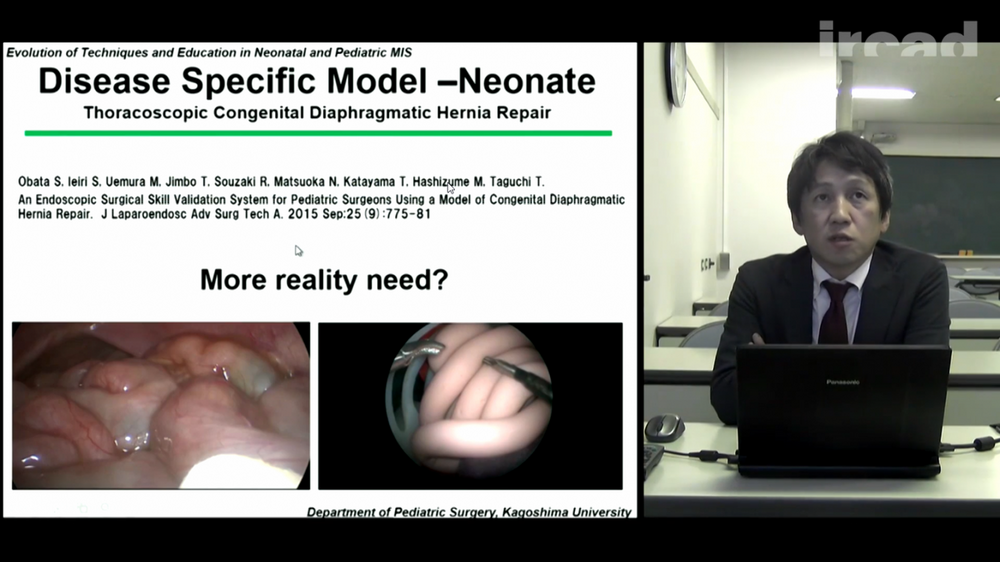 video 1
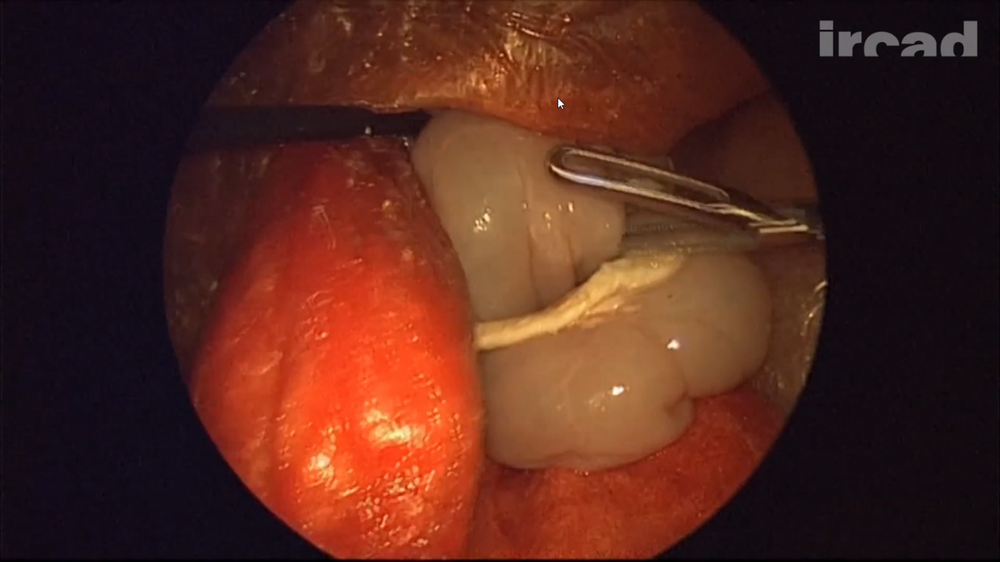 video 1
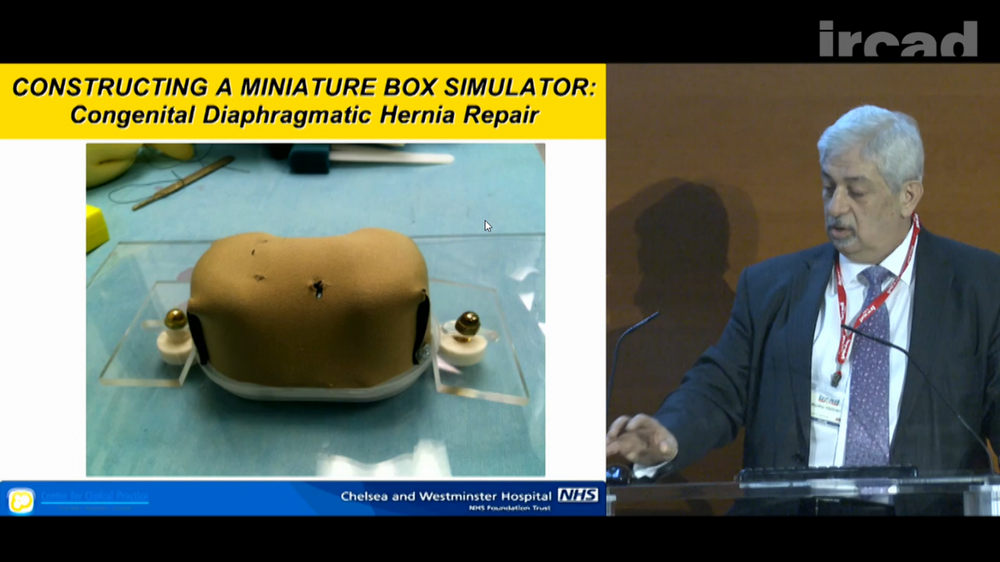 video 1 video 2 video 3


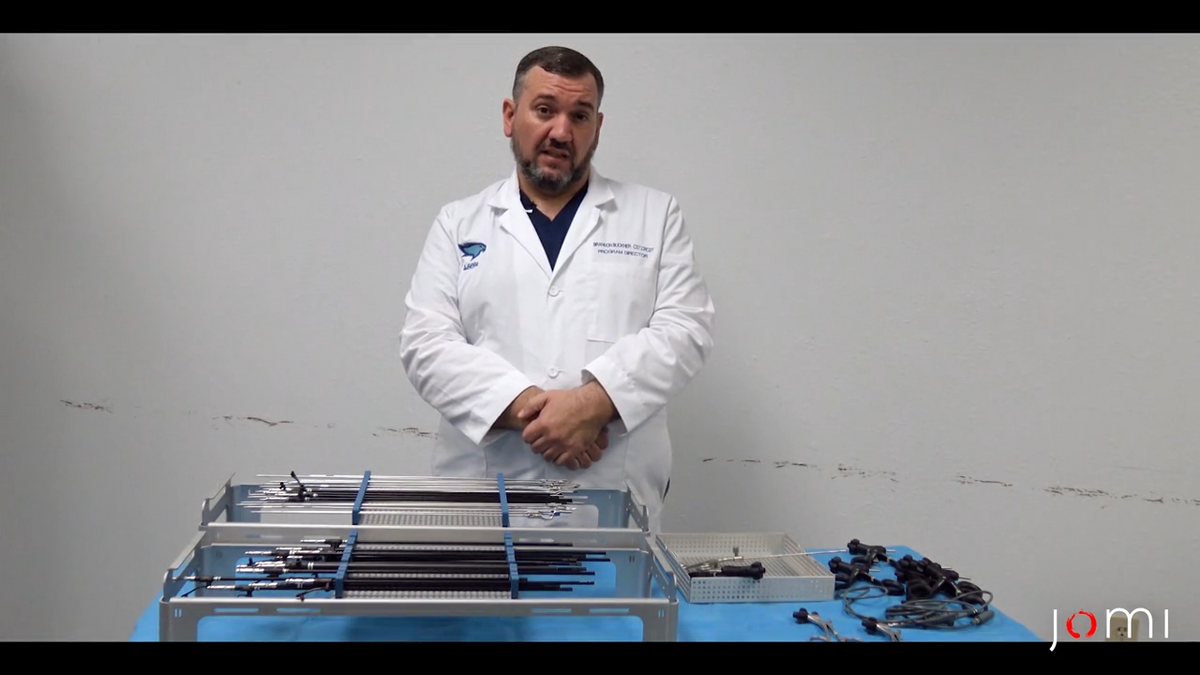

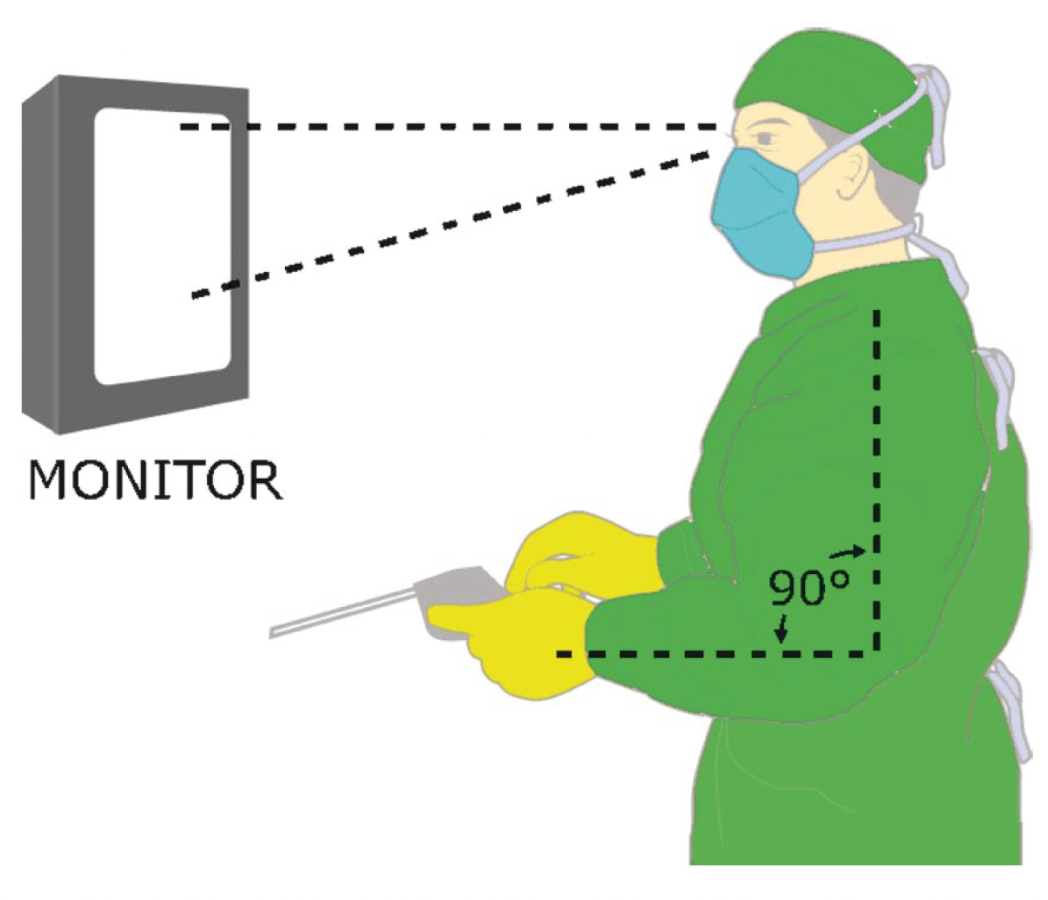
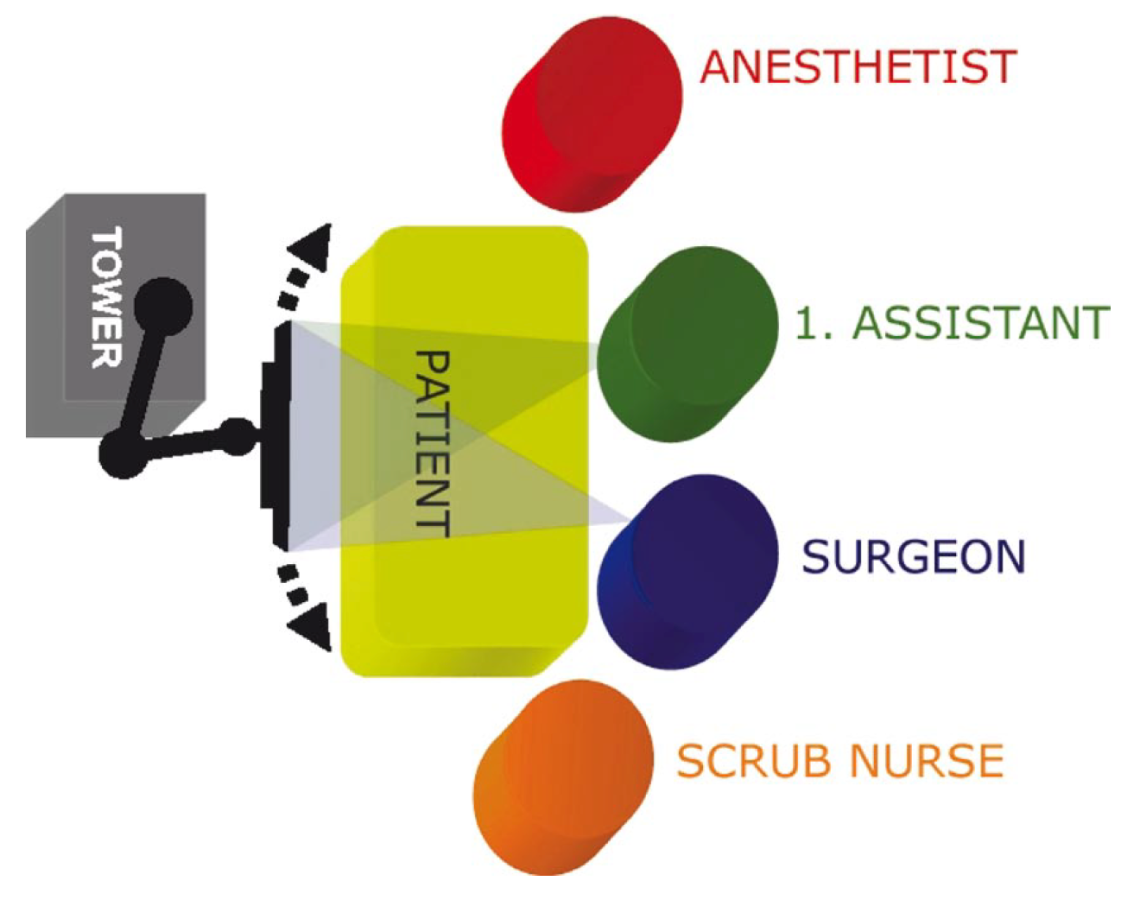
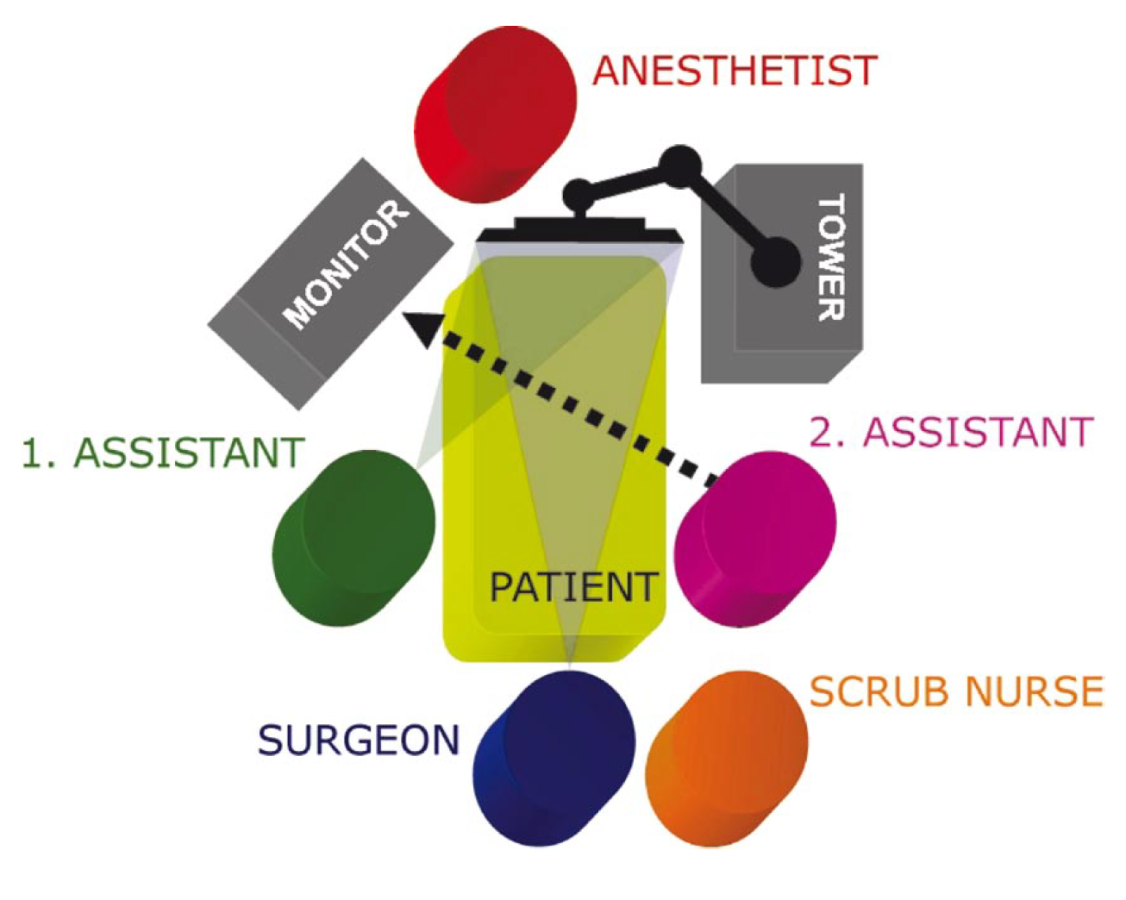
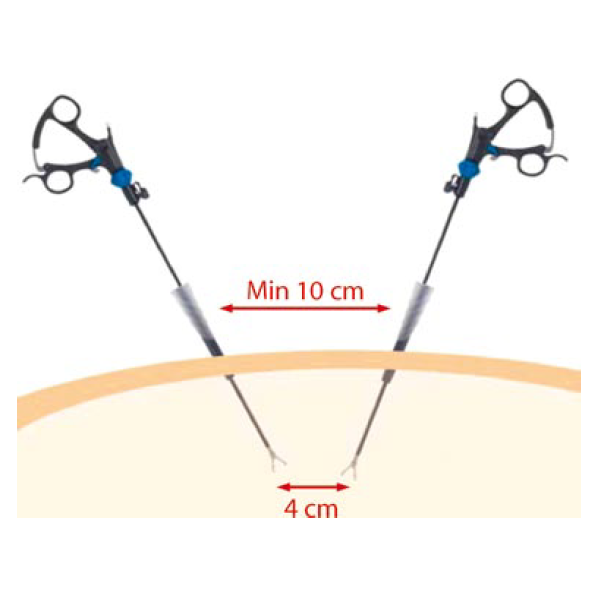
.png.ec6dc5b0e7d8b7f102d12904d7a9f011.png)
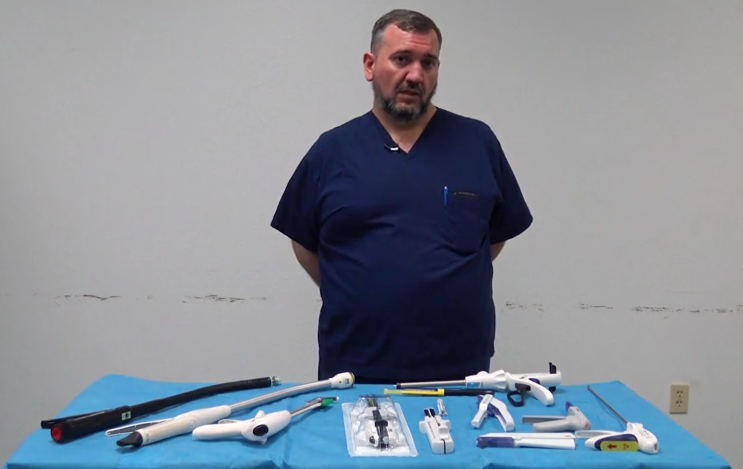
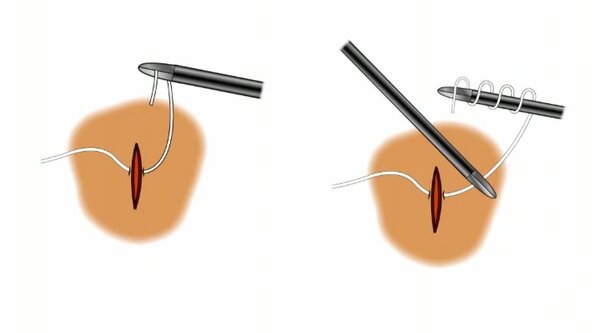
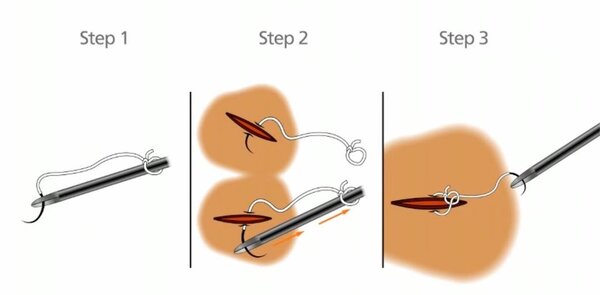








Account
Navigation
Search
Configure browser push notifications
Chrome (Android)
- Tap the lock icon next to the address bar.
- Tap Permissions → Notifications.
- Adjust your preference.
Chrome (Desktop)
- Click the padlock icon in the address bar.
- Select Site settings.
- Find Notifications and adjust your preference.
Safari (iOS 16.4+)
- Ensure the site is installed via Add to Home Screen.
- Open Settings App → Notifications.
- Find your app name and adjust your preference.
Safari (macOS)
- Go to Safari → Preferences.
- Click the Websites tab.
- Select Notifications in the sidebar.
- Find this website and adjust your preference.
Edge (Android)
- Tap the lock icon next to the address bar.
- Tap Permissions.
- Find Notifications and adjust your preference.
Edge (Desktop)
- Click the padlock icon in the address bar.
- Click Permissions for this site.
- Find Notifications and adjust your preference.
Firefox (Android)
- Go to Settings → Site permissions.
- Tap Notifications.
- Find this site in the list and adjust your preference.
Firefox (Desktop)
- Open Firefox Settings.
- Search for Notifications.
- Find this site in the list and adjust your preference.